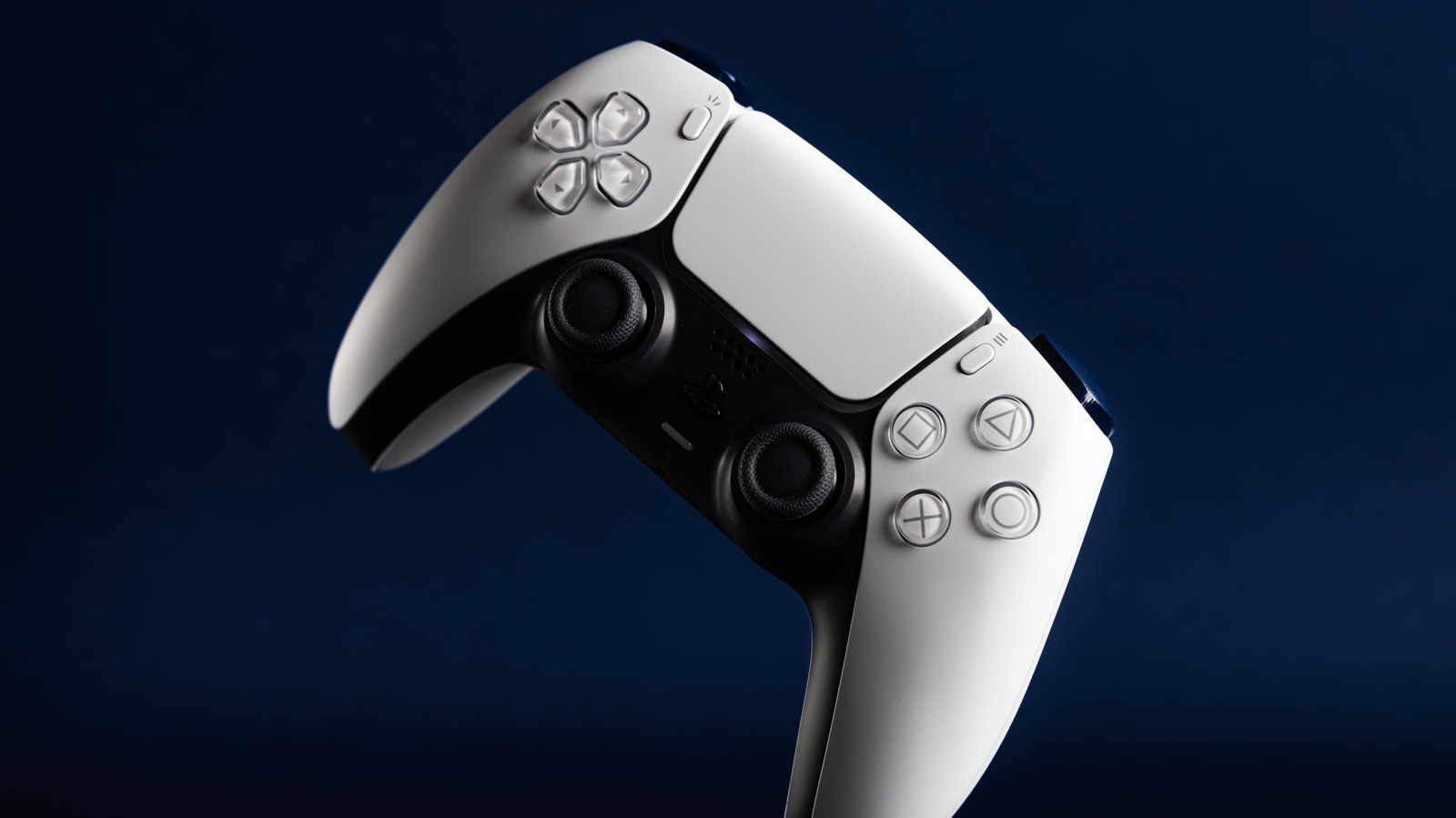
You just finished playing one of your favorite PlayStation 5 games for the day. As you tidy up the living room before heading to bed, you remember that your DualSense controller needs to be charged. You take out one of your USB-C cables that now power virtually everything, plug it into a USB power adapter and leave the DualSense to charge overnight.
But wait a second: Is it even safe to leave your PS5 controller plugged in all night long? Technically, yes. That said, we wouldn’t recommend making a habit out of it. The DualSense is designed to fast charge until its lithium-ion cells hit 80% charge, at which point the controller switches to a slower charge speed until the battery is fully replenished.
Like many battery-operated controllers, the PS5 DualSense features smart charging protection. This is a failsafe that puts a hard stop on the DualSense’s power draw once it hits 100% charge. However, leaving a controller plugged in overnight introduces a third charging phase that isn’t ideal for long-term battery health: trickle charging.
Why overnight charging is bad for your DualSense’s long-term battery health
While the DualSense’s smart charging protection will prevent it from continuing to charge once the controller hits 100%, a small amount of power continues to flow. This is to ensure the DualSense stays at 100% charge, but this “trickling in” of electricity also keeps the battery toasty-warm, and heat is no friend to electronics of any kind.
Trickle charging doesn’t flood the DualSense battery with rapid high-heat attacks, but even a little warmth over a span of six to eight hours is enough to start chipping away at the battery’s long-term health. The more heat the DualSense is forced to contend with, the less efficient the battery becomes, and the end result could very much get in the way of your future gaming sessions.
Routinely charging your DualSense overnight for months on end may lead to reduced battery capacity, meaning the controller won’t hang onto a charge for as long as it used to. An overworked battery may also make your DualSense warm to the touch, even if you’ve only been gaming for 45 minutes or so. Your DualSense may start dying earlier, too, as compromised cells will have a harder time reporting accurate charge levels.
Good charging habits can make all the difference for your PS5 controller(s)
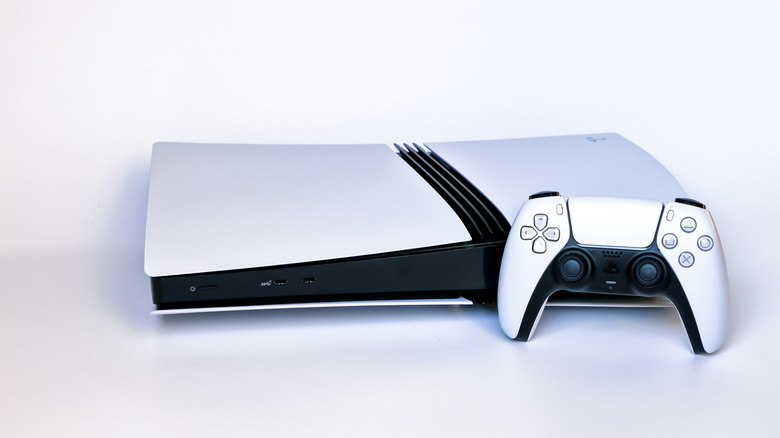
No one wants to deal with a bricked DualSense controller, especially if its early death is simply due to charging it too often. A rapid decline is highly avoidable, though, and we have a few charging tips and tricks to share that’ll help your DualSense live a long, happy life. For starters, do what you can to keep the controller charged between 20 and 80%. We have it on good authority from battery experts that sticking to this range is optimal for the DualSense’s long-term health.
Ideally, you’ll also want to avoid charging for long periods of time. Two to three hours is a pretty safe bet, and you can even set a reminder on your phone to unplug the controller once three hours are up. Official gadgets for the PlayStation 5, like the Sony charging dock, should be A-okay, but you’ll want to be extra careful when using third-party docks; they may not deliver proper voltage regulation, adding unnecessary wear and tear to your battery.
If you don’t have a dock, charging with a USB-C cord and power adapter is your best bet. Just make sure the adapter is rated for 5 volts at 1.5 to 3 amps (5V/1.5A-3A). One of the best ways to ensure your DualSense lives a long life is to give it a sibling. Having a second controller on hand will let you switch to a fully-charged DualSense when the one you’re using starts getting low.