By using this site, you agree to the Privacy Policy and Terms of Use.
Accept
World of SoftwareWorld of SoftwareWorld of Software
  • News
  • Software
  • Mobile
  • Computing
  • Gaming
  • Videos
  • More
    • Gadget
    • Web Stories
    • Trending
    • Press Release
Search
  • Privacy
  • Terms
  • Advertise
  • Contact
Copyright © All Rights Reserved. World of Software.
Reading: Google has baked AI Mode directly into the Chrome browser
Share
Sign In
Notification Show More
Font ResizerAa
World of SoftwareWorld of Software
Font ResizerAa
  • Software
  • Mobile
  • Computing
  • Gadget
  • Gaming
  • Videos
Search
  • News
  • Software
  • Mobile
  • Computing
  • Gaming
  • Videos
  • More
    • Gadget
    • Web Stories
    • Trending
    • Press Release
Have an existing account? Sign In
Follow US
  • Privacy
  • Terms
  • Advertise
  • Contact
Copyright © All Rights Reserved. World of Software.
World of Software > Gadget > Google has baked AI Mode directly into the Chrome browser
Gadget

Google has baked AI Mode directly into the Chrome browser

News Room
Last updated: 2026/02/25 at 6:32 AM
News Room Published 25 February 2026
Share
Google has baked AI Mode directly into the Chrome browser
SHARE

Google has just seriously upped its game, fully baking AI directly into Chrome’s desktop browser with the introduction of AI Mode in the address bar.

Following the buzz from last month’s Gemini in Chrome update, the latest version 145 rolls out a redesigned Omnibox that makes AI tools incredibly accessible.

If you remember, AI Mode used to live as a straightforward button on the right side of the address bar, simply sending your text queries off to the AI assistant.

Now, things are much slicker. A new “plus” menu has been integrated on the left, a design choice that mirrors the official google.com/ai interface. Clicking this menu expands into a sophisticated prompt box, complete with helpful hints like “Ask anything,” “Describe your image,” and “Research anything.” Visually, it’s framed by a distinctive, vibrant four-colour glow.

This expanded integration is a big deal because it allows users to share the contents of their most recent tabs directly with AI Mode. This unlocks powerful, contextual features: think instantly summarising an in-depth article, asking targeted questions about open pages, or generating insightful analysis based on everything you’re currently viewing.

Advertisement

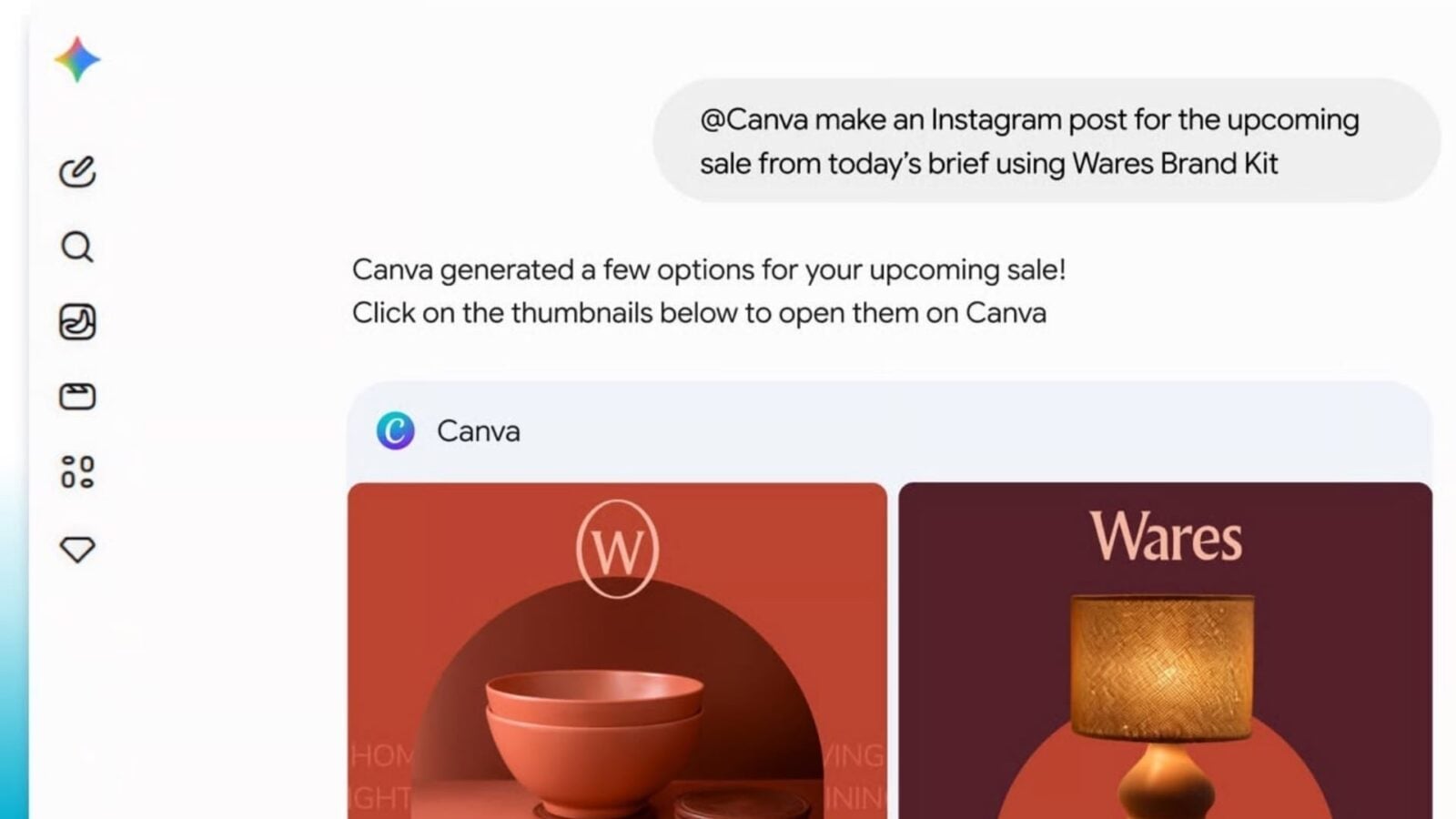
The menu itself is now a comprehensive toolkit, featuring options such as Add image, Add file, Tools, Create Images (Nano Banana), Deep Search, the choice between Gemini 3 models (Auto and Pro), and the recent addition this week of Canvas as a new creative tool.

The move dramatically simplifies access to Gemini’s capabilities, eliminating the need to switch contexts, whether your current task involves research, content creation, or simply getting instant answers about what’s displayed on your screen.

This update, though implemented subtly, is a significant marker of Google’s strategic focus: making AI a seamless, native component of everyday web browsing. With AI Mode now fundamentally built into Chrome itself, the browser is rapidly transforming into a single, cohesive hub where the functions of search, productivity, and creativity finally converge in a unified and intuitive manner.

Sign Up For Daily Newsletter

Be keep up! Get the latest breaking news delivered straight to your inbox.
By signing up, you agree to our Terms of Use and acknowledge the data practices in our Privacy Policy. You may unsubscribe at any time.
Share This Article
Facebook Twitter Email Print
Share
What do you think?
Love0
Sad0
Happy0
Sleepy0
Angry0
Dead0
Wink0
Previous Article 400x God Candle Loading for BlockDAG: Why its 12-Hour Lead Outpaces Uniswap & Litecoin Before the Race Begins! 400x God Candle Loading for BlockDAG: Why its 12-Hour Lead Outpaces Uniswap & Litecoin Before the Race Begins!
Next Article Here’s a simple  way to finally take control of PDFs Here’s a simple $25 way to finally take control of PDFs
Leave a comment

Leave a Reply Cancel reply

Your email address will not be published. Required fields are marked *

Stay Connected

248.1k Like
69.1k Follow
134k Pin
54.3k Follow

Latest News

TigerFS Mounts PostgreSQL Databases as a Filesystem for Developers and AI Agents
News
AI attack trends reshape cybersecurity at RSAC 2026 –  News
AI attack trends reshape cybersecurity at RSAC 2026 – News
News
How to Set Social Media Goals in 2025 (+ Free Course)
Computing
Mini-LED vs. OLED: Which TV Tech Should You Get?
News

You Might also Like

ProEmberCore Reviews: Is This Platform Legit or a Scam? Find Out Now
Gadget

ProEmberCore Reviews: Is This Platform Legit or a Scam? Find Out Now

6 Min Read
Next Pepe Coin as Pepeto Fuses Meme Culture With Exchange Tools While ETH and SOL Build
Gadget

Next Pepe Coin as Pepeto Fuses Meme Culture With Exchange Tools While ETH and SOL Build

7 Min Read
Next Shiba Inu? Pepeto Search Interest Tops DOGE and SHIB as BTC and ADA Build
Gadget

Next Shiba Inu? Pepeto Search Interest Tops DOGE and SHIB as BTC and ADA Build

7 Min Read
Next Dogecoin? Pepeto Fuses Viral Appeal With Real Infrastructure as BNB and ETH Build
Gadget

Next Dogecoin? Pepeto Fuses Viral Appeal With Real Infrastructure as BNB and ETH Build

7 Min Read
//

World of Software is your one-stop website for the latest tech news and updates, follow us now to get the news that matters to you.

Quick Link

  • Privacy Policy
  • Terms of use
  • Advertise
  • Contact

Topics

  • Computing
  • Software
  • Press Release
  • Trending

Sign Up for Our Newsletter

Subscribe to our newsletter to get our newest articles instantly!

World of SoftwareWorld of Software
Follow US
Copyright © All Rights Reserved. World of Software.
Welcome Back!

Sign in to your account

Lost your password?